
Removing Background with the Magic Wand Tool in Photoshop CS6

Photoshop CS6 – Removing Backgrounds with Magic Wand Wizardry

Photoshop CS6 – Removing Backgrounds with Magic Wand Wizardry An Alternative to The Refine Edge Command Magic Wand Selection and The Anisotropic Filter There are many tools in Photoshop than can be used to remove backgrounds. In this video, we look at a technique that makes use of the quick wand tool and the anisotropic
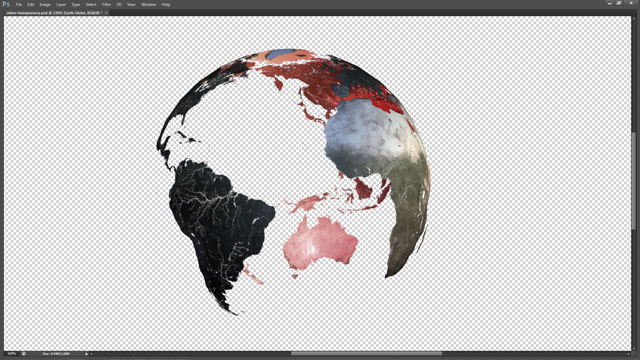
Video Transparency in Photoshop CS6

Photoshop CS6 Video – Render Transparent Background and Import Into After Effects CS6

Photoshop CS6 Video – Render Transparent Background and Import Into After Effects CS6 Render Settings for Preserving Transparency Producing Pre-multiplied Video in Photoshop CS6 So you want to produce a video in Photoshop and export the results? This is simple enough, but what if the video is a 3D render and you need to preserve

Custom Photo Borders in Photoshop

Photoshop CS6 – Photographic Toning and Tints

Photoshop CS6 – Photographic Toning and Tints Traditional Photographic Toning in a Bottle Sepia, Selenium, Cyanotope and Several Other New Gradient Map Presets The default set of gradient map presets that come with Photoshop have generally not been inspiring, but with the arrival of Photoshop CS6 that changes. This video takes a look at the

Curves Adjustment and Colour Range in Photoshop CS6

Photoshop CS6 – Curves and Colour Range for Colour Correction and Fixing Contrast

Photoshop CS6 – Curves and Colour Range for Colour Correction and Fixing Contrast Updates to the Curves Adjustment in Photoshop CS6 Using the Updated Curves Adjustment Layer and Colour Range Command in Photoshop CS6 A look at the small but significant changes made to the curves adjustment layer and the colour range command in Photoshop